

Loftie Help Center
How can we help?
Ask a question in your own words, or pick your Loftie below for its guides, manual and answers.
Popular: Wi-Fi setup Alarms Order status Returns
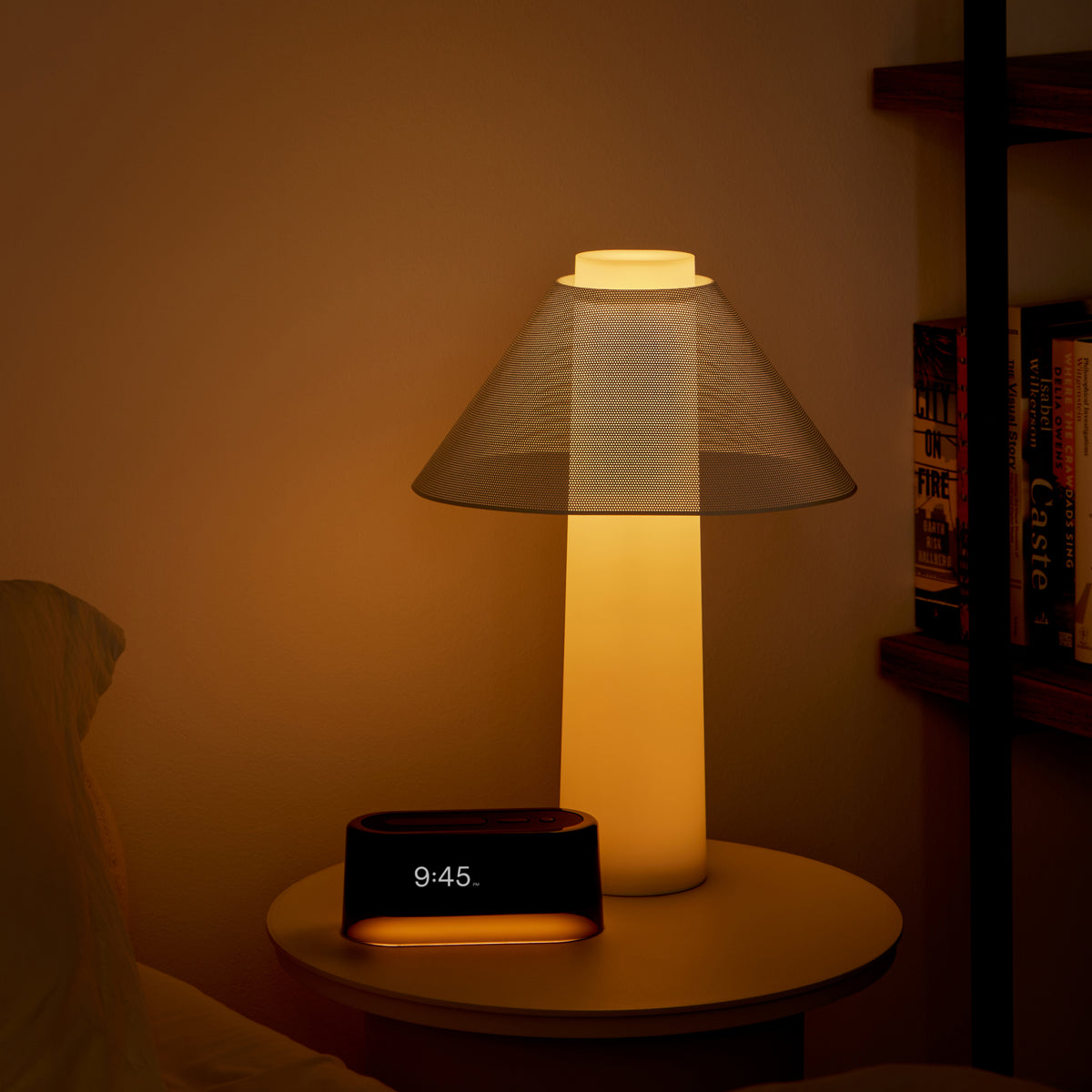
What’s it about?
Everything for each one lives in one place.
Alarms, sounds, Wi-Fi, updates
Sunrise, light modes, Wind Down
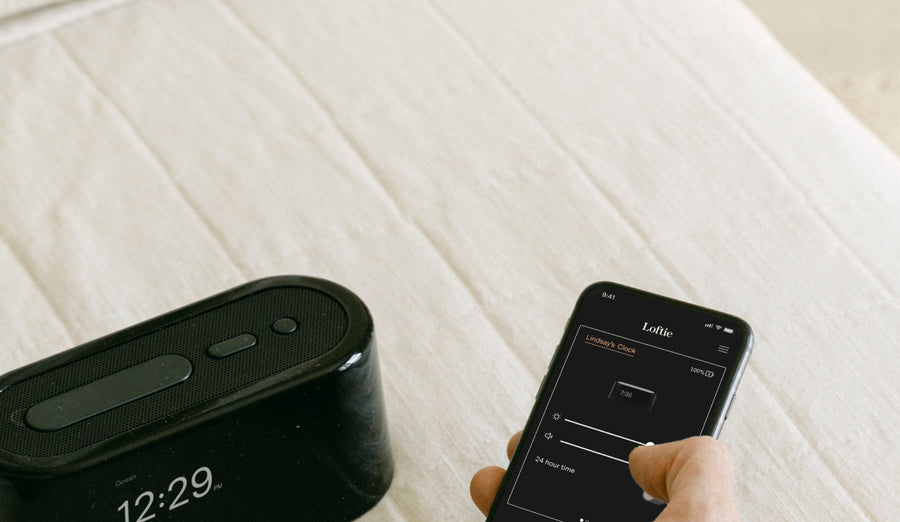
Setup, Drift, Loftie Card
Tracking, shipping, returns, warranty
Help for
Loftie Clock
Set it up once and it runs on its own. Start with a guide, or open the manual for every button and setting.
Guides
All Clock helpMost asked about the Clock
- 1Tap a questionLouisa, our AI assistant, answers it right here.
- 2Not on the list?Ask Louisa in your own words in the chat.
- 3Still stuck?Email us or talk to a person on our team.
Hvis du har flyttet eller byttet ruter, tar det vanligvis to minutter å koble til på nytt:
- Gå til Settings på klokken og velg Forget WiFi.
- Åpne Loftie-appen. Den ber deg koble klokken til på nytt.
- Velg nettverket ditt fra listen og skriv inn passordet for hånd.
Loftie Vekkerklokke kobler seg bare til 2,4 GHz-nettverk. Hvis ruteren din bruker samme navn for både 2,4 og 5 GHz og klokken fortsatt ikke vil koble til, kan du bruke en mobil-hotspot satt til 2,4 GHz for å fullføre oppsettet. Hele veiledningen for ny tilkobling
Help for
Loftie Lamp
Sunrise alarms, light modes and Wind Down, all run from the app.
Guides
All Lamp helpMost asked about the Lamp
- 1Tap a questionLouisa, our AI assistant, answers it right here.
- 2Not on the list?Ask Louisa in your own words in the chat.
- 3Still stuck?Email us or talk to a person on our team.
Help for
Loftie app
Setup, Drift, the sound library and the Loftie Card.
Guides
All app helpMost asked about the app
- 1Tap a questionLouisa, our AI assistant, answers it right here.
- 2Not on the list?Ask Louisa in your own words in the chat.
- 3Still stuck?Email us or talk to a person on our team.
Help with
Your order
Free shipping on orders of $100+, 30-day returns and a one-year warranty on every Clock and Lamp.
From delivery, in like-new condition. Refunds land 3 to 5 business days after your return arrives.
Start a returnFree shipping and duties on orders of $100 or more. Orders placed before 11:00 AM ET usually ship the same day.
Where we shipCovers defects in materials and workmanship. Tell us what’s happening and we’ll check the device first.
Warranty termsMost asked about orders
- 1Tap a questionLouisa, our AI assistant, answers it right here.
- 2Not on the list?Ask Louisa in your own words in the chat.
- 3Still stuck?Email us or talk to a person on our team.
Still need a hand?
Real people, every weekday. Whichever way you reach us, your conversation comes with you.
Found a security issue? Report a vulnerability
Chat with Louisa
Instant answers any time. A person joins during business hours.
Book a call
Phone or video with a Loftie expert. Best for setup trouble.
Email us
support@loftie.com · replies within a business day
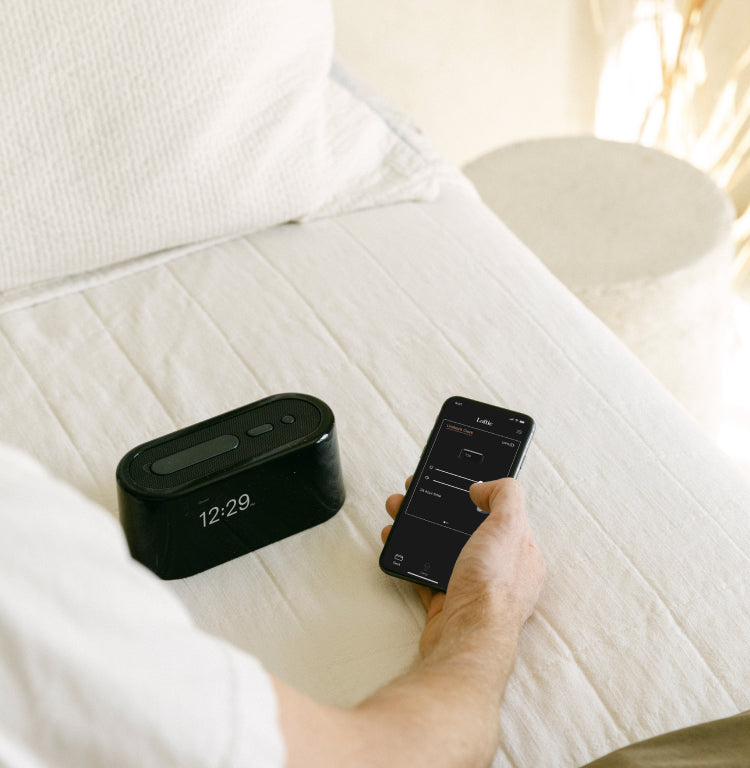
The Loftie app
Free on iPhone and Android
Your Clock works on its own after setup. The app adds Drift, which quiets the apps you choose when you’re near your Clock, plus the full sound library and Wind Down. It also runs the Lamp’s alarms and light modes.


